
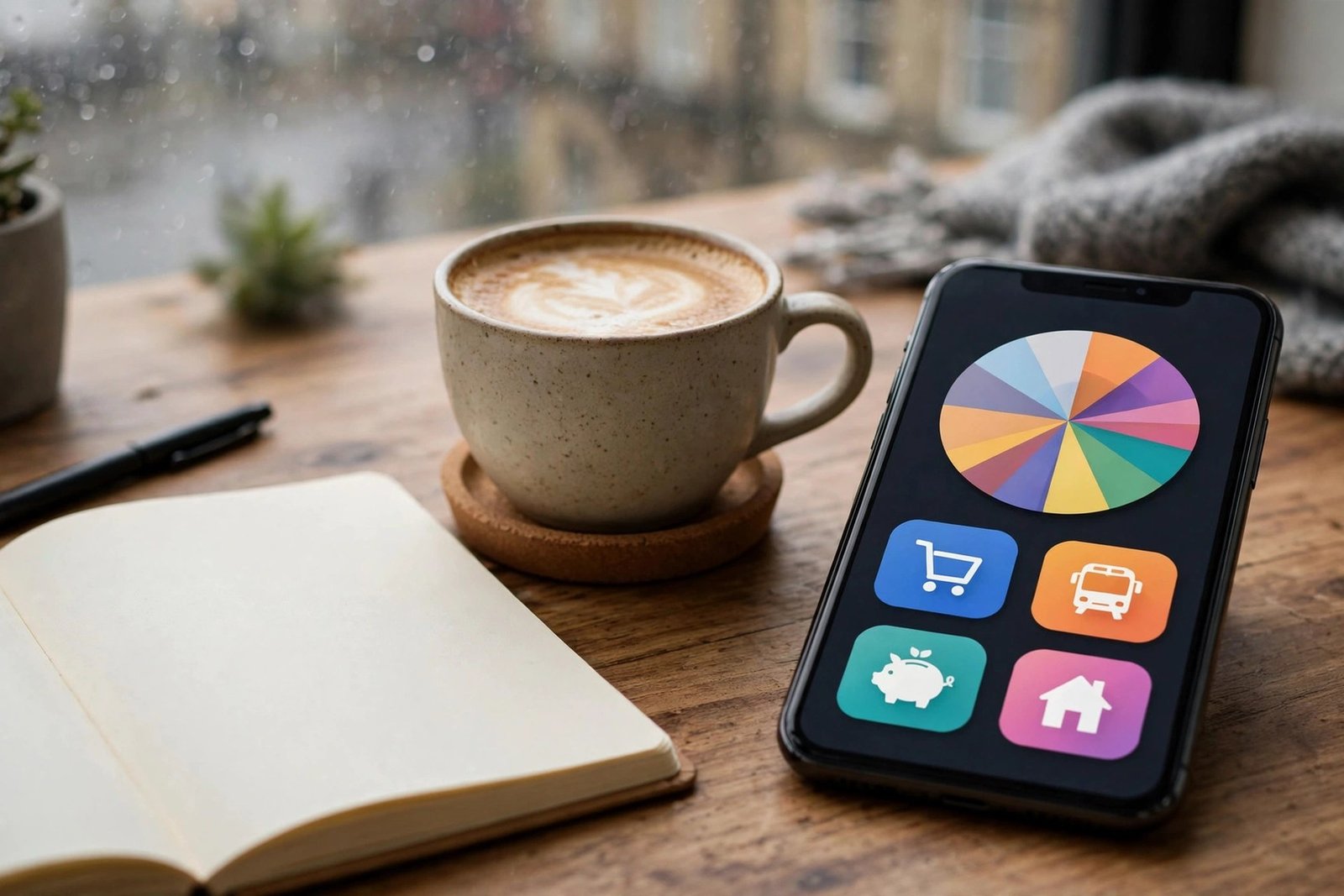
Budgeting Apps That Work: Mistakes to Avoid When Choosing
You download a budgeting app full of good intentions. You link your bank accounts, categorise a week’s spending, admire the colourful charts — and never open it again. Three months later it’s deleted to free up storage, and your finances are exactly where they were.
This is the fate of most budgeting apps, and it’s rarely the app’s fault. Choosing the wrong app — or the right app for the wrong reasons — is where it starts. Here are the mistakes to avoid when choosing a budgeting app that works, so the one you pick actually survives past February.
Mistake 1: Choosing on Features Instead of Fit
The app with 47 features, AI insights, and investment tracking looks impressive in the App Store. But budgeting apps fail on friction, not features. The best app is the one you’ll actually open — which usually means the simplest one that covers your needs.
Before comparing apps, answer three questions: What problem am I solving (overspending? no savings? debt?) — What will I realistically do weekly (check balances? categorise transactions? nothing?) — and Do I need bank syncing, or is manual entry actually better for mindfulness? Someone who won’t categorise transactions needs automatic categorisation; someone anxious about linking accounts needs manual entry. Match the app to your behaviour, not your aspirations. MoneyHelper’s free budget planner is worth trying first — it clarifies what you need before you pay for anything.
Mistake 2: Ignoring the Subscription Maths
Many budgeting apps now charge £5–£15 a month — £60–£180 a year. For someone budgeting because money is tight, that’s a meaningful sum: the app costs more than the “wasteful spending” it might identify. Premium tiers often add investment tracking or advanced reports you’ll never use.
Run the maths honestly: will this app save or earn you at least 3x its cost? Free tiers of major apps handle bank syncing and basic budgeting perfectly well for most people. And remember the irony tax — paying monthly for an app that was supposed to reduce your monthly outgoings deserves a moment of reflection. Free alternatives, including your bank’s own spending tools (most UK banks now categorise spending natively), cover the basics at zero cost.
Mistake 3: Not Understanding Open Banking Permissions
Bank-syncing apps use Open Banking to read your transaction data. This is regulated and generally safe in the UK — providers must be FCA-authorised — but “safe” and “desirable” differ. Consider:
- What data are you sharing? Transaction-level data reveals extraordinary detail about your life. Read the privacy policy: how long is data kept, is it anonymised for analytics, is it shared with third parties?
- Is the provider FCA-authorised? Check the FCA register. Unauthorised apps handling your banking credentials are a hard no.
- Can you revoke access? You should be able to disconnect cleanly. Test this before committing months of data.
- Do you even need syncing? Manual entry takes five minutes a week and creates mindfulness that automation skips. Many successful budgeters prefer it — the friction is the feature.
The FCA’s Open Banking guidance explains your rights and protections — worth ten minutes before granting any app access to your accounts.
Mistake 4: Picking an App That Doesn’t Fit UK Finances
US-designed apps often mishandle UK specifics: the tax year, self-assessment, council tax as a major bill category, the peculiarities of UK credit scoring, or support for Monzo/Starling-style pots. Check that the app handles UK bank connections well (some have patchy coverage of smaller banks and building societies), supports pounds properly in all reports, and understands UK bill cycles. An app that can’t categorise your council tax correctly will irritate you into abandonment.
Mistake 5: Expecting the App to Do the Behavioural Work
The deepest mistake: believing the app will make you disciplined. Apps provide information; humans provide discipline. The colourful chart showing you spent £340 on takeaways changes nothing unless you decide to change something. Successful app users pair the tool with a system — a weekly 15-minute money review, a monthly budget meeting with a partner, a specific savings automation, or a simple rule like pausing 72 hours before non-essential purchases. The app is the dashboard; you’re still the driver.
This is also why broader budgeting strategies matter more than app choice: the method (zero-based, 50/30/20, pay-yourself-first) determines results; the app merely records them.
Mistake 6: Over-Categorising Into Oblivion
New users create 40 categories — “Coffee: Work”, “Coffee: Weekend”, “Coffee: Sad” — then abandon categorisation entirely when it becomes a chore. Start with 8–12 broad categories maximum. You can always split later; you can’t recover from abandonment. The goal is insight (“food spending is high”), not accounting-grade precision.
What Actually Works: The Selection Checklist
Choose an app that is: free or cheap enough to justify, FCA-authorised if it touches your bank data, compatible with your UK banks, simple enough that you’ll use it weekly, and matched to your method (manual vs automatic). Then commit to a 30-day trial with a weekly review ritual — same day, same time, non-negotiable. If you’re not opening it voluntarily by day 30, it’s the wrong app — switch decisively, don’t persist hopefully.
And remember the unglamorous truth: plenty of people budget brilliantly with a spreadsheet or a notebook. Saving money on a tight income depends on the habit, not the software. The app is a supporting actor; you’re the star.
The Bottom Line
Choosing a budgeting app that works isn’t about finding the highest-rated download — it’s about honest self-assessment. Match the app to your actual behaviour, refuse to pay for features you won’t use, understand what your bank data is worth before sharing it, ensure UK compatibility, and pair the tool with a weekly review ritual. Do that, and the app becomes what it should be: a quiet assistant that keeps you honest. Skip it, and it’s just another colourful icon you delete by spring.
Frequently Asked Questions
Are budgeting apps safe to link to my bank account?
In the UK, apps using Open Banking must be FCA-authorised, which provides regulatory protections. Always verify authorisation on the FCA register, read the privacy policy, and ensure you can revoke access cleanly.
What’s the best free budgeting app in the UK?
It depends on your needs, but free tiers of major apps plus your own bank’s built-in spending tools cover most requirements. Try MoneyHelper’s free budget planner first to clarify what features you actually need before paying.
Should I pay for a premium budgeting app?
Only if it will save or earn you at least 3x its cost across the year. Most people do fine on free tiers. Paying £10/month for an app meant to cut spending deserves careful justification — and an honest trial against the free alternatives first.
Is manual or automatic transaction tracking better?
Automatic syncing is convenient but can breed passivity; manual entry takes minutes weekly and builds mindfulness about spending. Choose based on your behaviour — the method you’ll sustain beats the theoretically superior one.
Why do I always stop using budgeting apps?
Usually friction (too many categories, annoying sync issues) or lack of a review ritual. Simplify to 8–12 categories, schedule a weekly 15-minute money review, and switch apps after 30 days if you’re not opening it voluntarily.